 stake.com
Stake.com deposit networks: coin and chain checks
A crypto deposit needs a supported asset and a matching blockchain network. Use the coin and network shown in Stake’s deposit instructions, together with the correct address and any required tag or memo. A supported coin can still be sent through an unsupported network.
Updated
- Account readiness
- Stake requires email and account verification before crypto deposits. Users must be at least 18, or older where the applicable law requires it, and must meet its location restrictions. Use only your own funds and a payment method that you own. Don’t deposit while your account is blocked or suspended; Stake may retain funds sent in that state.
- Receiving instructions
- Open Wallet, choose Deposit, and select the cryptocurrency to view its deposit instructions.
Coin-specific network choices
Stake’s Acceptable Blockchain Networks for Cryptocurrencies , dated August 24, 2026, lists the pairings below. The guide uses ERC20 for Ethereum routes, BEP20 for BNB Smart Chain routes, and TRC20 for Tron routes. Confirm the asset and network in the account’s deposit instructions before sending.
Assets listed on multiple networks
- Tether (USDT)
- Ethereum, BNB Smart Chain, Polygon, Tron, and Solana.
- USD Coin (USDC)
- Ethereum, BNB Smart Chain, Polygon, and Solana.
- Ethereum (ETH), Chainlink (LINK), Shiba Inu (SHIB), and Uniswap (UNI)
- Ethereum or BNB Smart Chain for each asset.
- Dai (DAI) and Polygon (POL)
- Ethereum, BNB Smart Chain, or Polygon for each asset.
Assets listed on one network
- Bitcoin (BTC)
- Bitcoin native network.
- Litecoin (LTC)
- Litecoin native network.
- Dogecoin (DOGE)
- Dogecoin native network.
- Bitcoin Cash (BCH)
- Bitcoin Cash native network.
- XRP
- Ripple network. Deposits require the correct receiving address and destination tag.
- EOS
- EOS network. Deposits require the correct receiving address and memo.
- Tron (TRX)
- Tron network.
- BNB
- BNB Smart Chain (BEP20).
- ApeCoin (APE), Cronos (CRO), and The Sandbox (SAND)
- Ethereum for each asset.
- Solana (SOL) and TRUMP
- Solana for each asset.
Excluded networks and withdrawal-only assets
- CRO on Cronos
- The same August 24 guide lists CRO deposits through Ethereum and explicitly excludes the Cronos network. The asset’s name doesn’t establish support for its namesake chain.
- Arbitrum, Optimism, and Base
- These networks are listed as unsupported for deposits.
- Tokens on Ethereum or BNB Smart Chain
- Support for a network doesn’t extend to every token on it. The named asset must also be supported on the selected route. The network guide lists named tokens but also excludes ERC20 and BEP20 tokens. Stake’s Binance purchase guide says token deposits aren’t supported on any network. Ask Stake’s live support to clarify this conflict for the specific asset and network before sending.
- Binance USD (BUSD)
- The guide marks BUSD as available for withdrawals only, so that entry doesn’t authorize a deposit.
Stake’s deposit guidance states that unsupported coins and transfers through the wrong network won’t be credited.
Address and amount checks before sending
- Receiving address
- Copy the address from the selected deposit instructions or scan its QR code, then review it before confirming the transfer. Keep any required destination tag or memo with those receiving details.
- Deposit minimum
- The wallet displays the applicable deposit limits. If you use a small test transfer, it still needs to meet the displayed minimum and use the correct coin, network, address, and any required tag or memo.
- Final confirmation
- Resolve mismatches while the transfer is still unsubmitted. Blockchain transactions are usually irreversible once sent.
Hypothetical pre-send check for USDC
Which route works when the two services offer different network choices? In this hypothetical setup, the account is verified, the sending service can send its USDC balance over Ethereum or Base, and Stake’s deposit instructions offer USDC on Ethereum or Polygon. The sender’s unsubmitted transfer currently has Base selected.
Ethereum is the only shared route. Base is excluded by Stake’s network guide, while Polygon isn’t offered by the hypothetical sender. Changing the receiving address would leave the Base network mismatch unresolved.
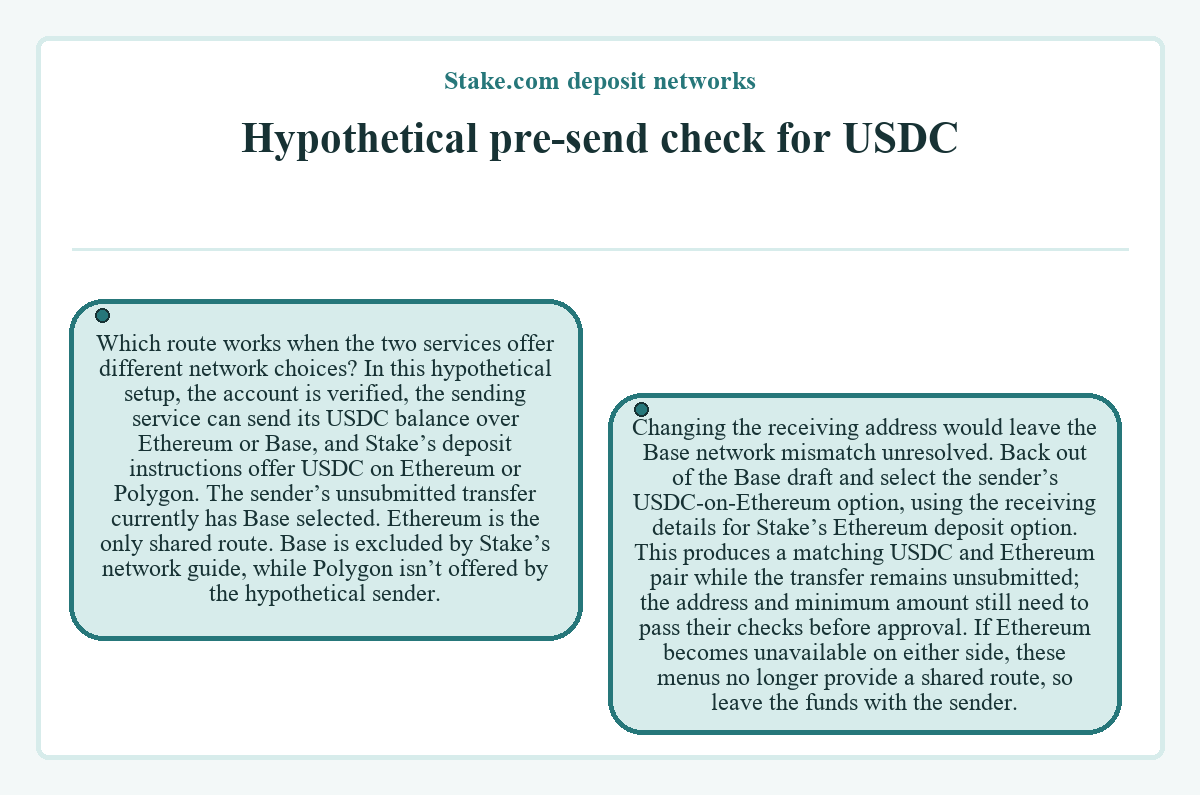
Back out of the Base draft and select the sender’s USDC-on-Ethereum option, using the receiving details for Stake’s Ethereum deposit option. This produces a matching USDC and Ethereum pair while the transfer remains unsubmitted; the address and minimum amount still need to pass their checks before approval. If Ethereum becomes unavailable on either side, these menus no longer provide a shared route, so leave the funds with the sender.
Pending deposits and crediting problems
- Network confirmation
- A submitted crypto transfer needs network confirmation before Stake credits it. A sending fee that’s too low can delay confirmation. Deposit status is available in notifications or transaction history.
- Explorer balance and account credit
- An address balance in a blockchain explorer doesn’t establish that a particular deposit has been credited to the account. Check the individual transfer’s status alongside Stake’s transaction history.
- Incorrect XRP tag or EOS memo
- Contact Stake’s live support while logged in to request the recovery process. The request itself doesn’t establish that funds have been recovered or credited.
- Wrong recipient address
- Contact the recipient. Stake’s deposit guidance states that funds can’t be retrieved if the owner of the wrong address is unknown.